Lane Following Assist operation
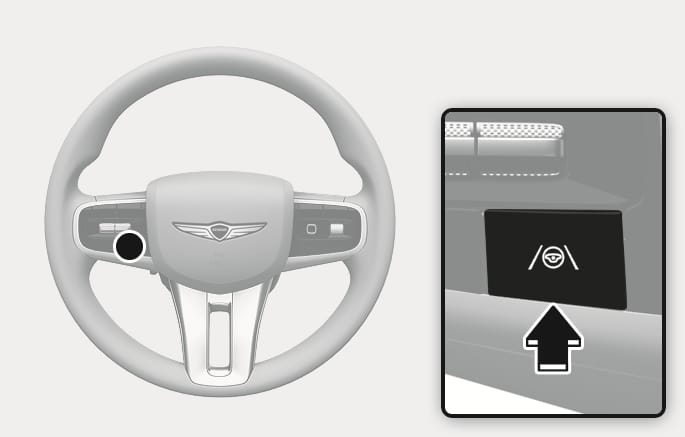
2C_LKAButton
With the engine on, press the Lane Driving Assist (
Press the button again to turn off the function.
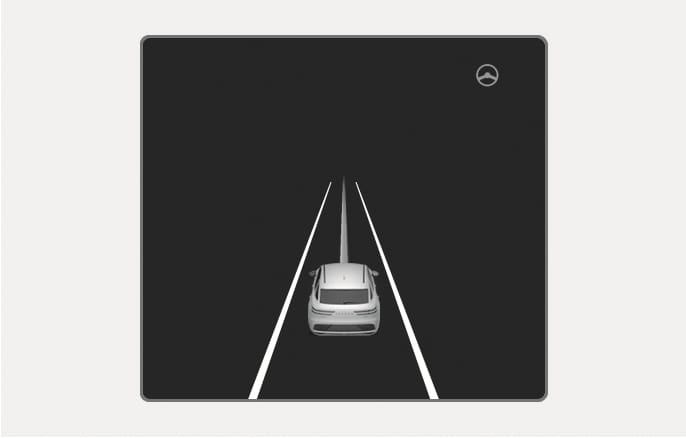
2C_LKALaneDetectInfo
If the both lane markings and/or vehicle ahead are detected and your vehicle speed is below 200 km/h (124 mph), the green
When the steering wheel is not assisted, the white
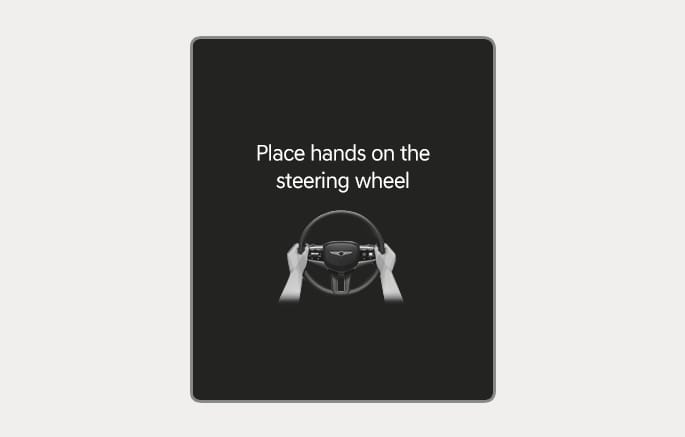
2C_HandOffWarningInfo
If you take your hands off the steering wheel for several seconds, the "Place hands on steering wheel" (or "Keep hands on steering wheel") warning message may appear on the instrument cluster, and an audible warning may sound in successive stages.
-
First stage: Warning message
-
Second stage: Warning message (red steering wheel) with a warning sound
For more details on precautions of the steering wheel grip sensor, refer to the "Steering wheel grip sensor" section in chapter 5.
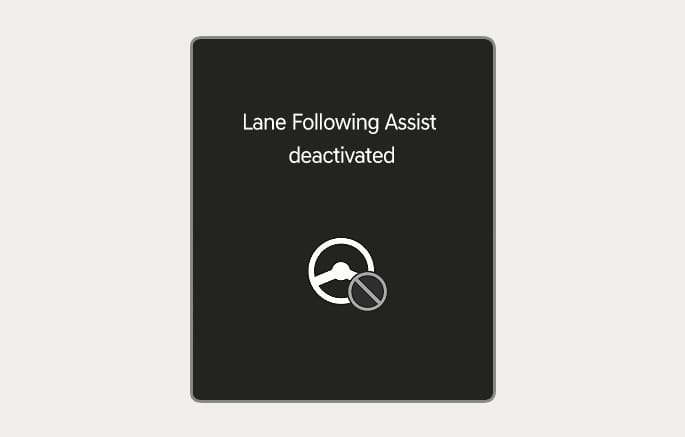
2C_DisableLFAInfo
If you do not have your hands on the steering wheel after the hands-off warning, the "Lane Following Assist deactivated" (or "LFA (Lane Following Assist) cancelled") warning message may appear and Lane Following Assist is automatically canceled.
Always safely steer your vehicle and maintain the position of your vehicle in its lane.
To prevent serious injury or death:
-
Always have your hands on the steering wheel while driving.
-
Lane Following Assist may not steer if the steering wheel is held too tightly, or the steering wheel is turned too far left or right.
-
If the steering wheel is held very loosely or you have gloves on, the hands-off warning message may appear because the Lane Following Assist may not recognize that you have your hands on the steering wheel.
-
The hands-off warning message may appear late or not at all depending on the road condition.
-
If you attach objects to the steering wheel, the hands-off warning may not work properly.
-
The status of the Lane Following Assist operation appears in Driving Assist view on the instrument cluster. Refer to the "View modes" section in chapter 4.
-
When both lane markings are detected, the lane lines on the cluster changes from gray to white.
Lane undetected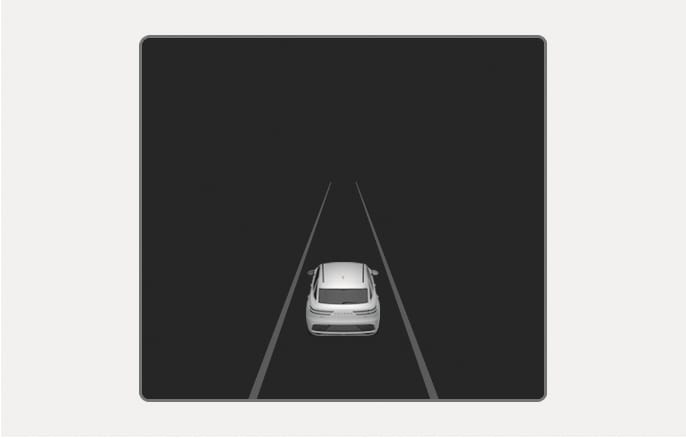
2C_LaneDetectionInfo
Lane detected
2C_LKALaneDetectInfo
-
The images and colors in the cluster may differ depending on the cluster type or theme selected from the settings menu.
-
If lane markings are not detected, steering wheel control by Lane Following Assist can be limited depending on the vehicle in front or driving condition.
-
You can steer your vehicle even when steering is assisted by Lane Following Assist.
-
It may require more or less force to turn the steering wheel when Lane Following Assist is providing steering assistance.