Manual Speed Limit Assist Operation
-
Press and hold the Driving Assist (
¸ ) button at the desired speed. The Speed Limit (Ý ) indicator light illuminates on the instrument cluster.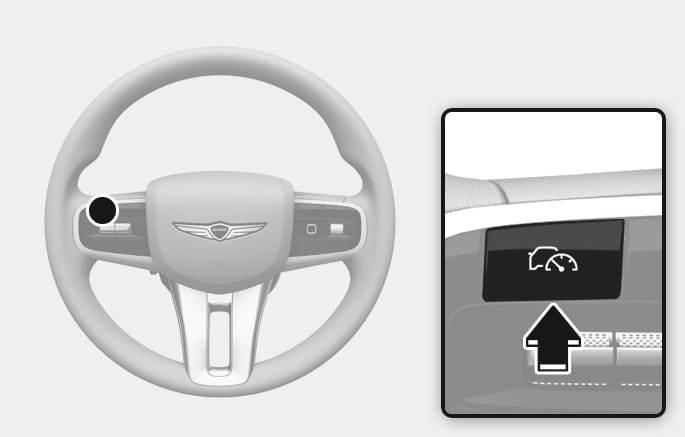
2C_SpeedControlButton
-
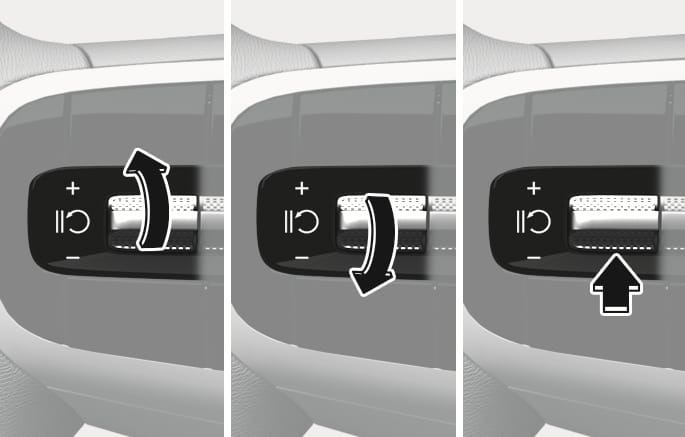
Push the
î switch up orï switch down, and release it at the desired speed.-
A short push of the switch upward or downward will increase or decrease the set speed by 1 mph (1 km/h).
-
A long push of the switch upward or downward will increase or decrease the set speed by 5 mph (10 km/h).
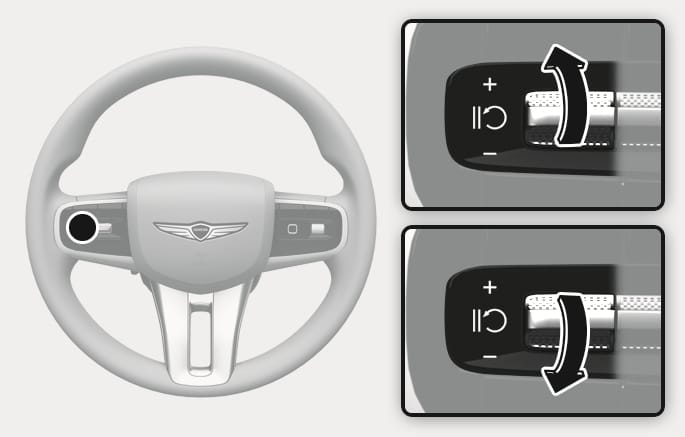
2C_SpeedControlSwitch
-
-
Check the set speed limit on the instrument cluster.
-
If you want to drive over the set speed limit, depress the accelerator pedal far enough to activate the kickdown mechanism.
-
The set speed limit blinks and chime sounds until your vehicle speed decreases below the set speed.
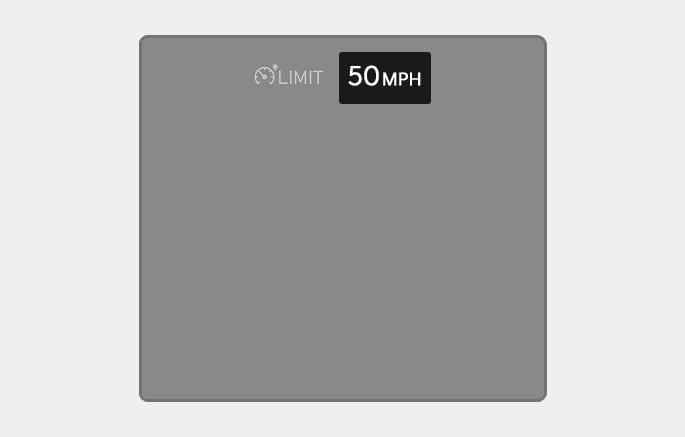
2C_MSLASpeedLimitInfo
-
When the accelerator pedal is not depressed beyond the pressure point, your vehicle speed maintains within the speed limit.
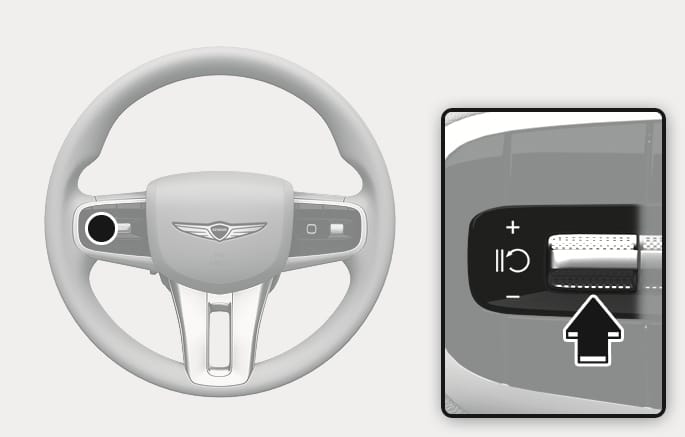
2C_MSLATemporarilyPausing
Press the
2C_SpeedControlResuming
Push the
If you push the
If you press the
2C_SpeedControlButton
Press the Driving Assist (
Always press the Driving Assist (
To prevent serious injury or death:
-
Set your vehicle speed to the speed limit for the road in your area.
-
Keep Manual Speed Limit Assist off when not in use, to avoid unintentionally setting a speed. Check that the Speed Limit (
Ý ) indicator light is off. -
Always drive defensively and pay attention to the driving task.