Lane Following Assist Settings
When a trailer is connected to your vehicle, Lane Following Assist automatically turns off. In this case, Lane Following Assist is not functional. Always have your eyes on the road. (if equipped with genuine Genesis parts)
2C_WarningTypeSetInfo_3
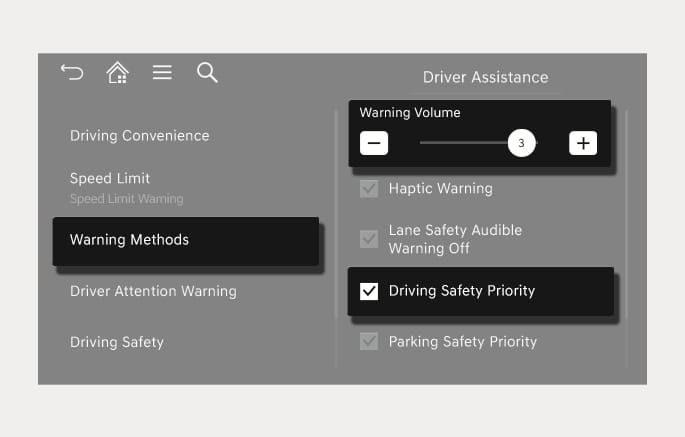
With the engine on, select Setup > Vehicle > Driver Assistance > Warning Methods from the Settings menu in the infotainment system to select the following:
-
Warning Volume: The warning volume can be adjusted. If you set the warning volume to '0', the warning volume does not turn off but sounds as '1'.
-
Driving Safety Priority: Your vehicle lowers all other audio volumes when the Driver Assistance system warning sounds.
-
If you change the warning methods, the warning methods of other Driver Assistance systems may change.
-
When the engine is restarted, the warning methods maintains its last setting.