Manual heating and air conditioning
-
Start the engine.
-
Set the mode to the desired position.
For improving the effectiveness of heating and cooling, select:
-
Heating:
Î -
Cooling:
Í
-
-
Set the temperature control to the desired position.
-
Set the air intake control to the outside (fresh) air position.
-
Set the fan speed control to the desired speed.
-
If air conditioning is desired, turn on the air conditioning system.
-
Press the AUTO button to convert to full automatic control of the system.
Front seat mode selection
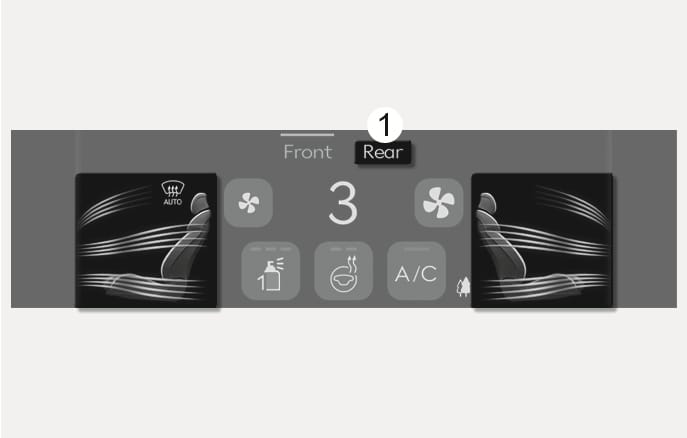
2C_AirconModeSelection
-
Touch each air flow direction on the information screen to select the desired flow direction.
-
Press the SYNC button and when the indicator light on the button turns off, the air flow direction of the driver's seat, passenger seat, and rear seats can be controlled individually. The front passenger and rear passenger seats cannot select
Ì position. -
Touch Rear (1) to control the rear seat's mode selection from the front seats.
-
You may select 2-3 modes at the same time.
Rear seat mode selection
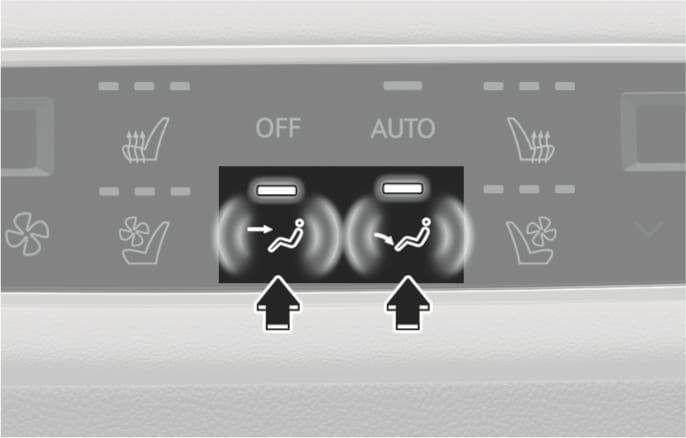
2C_RearAirconModeSelection_1
-
Press the button to select the direction of the air flow to the desired position.
-
You may select 2 modes at the same time.
Air flow direction
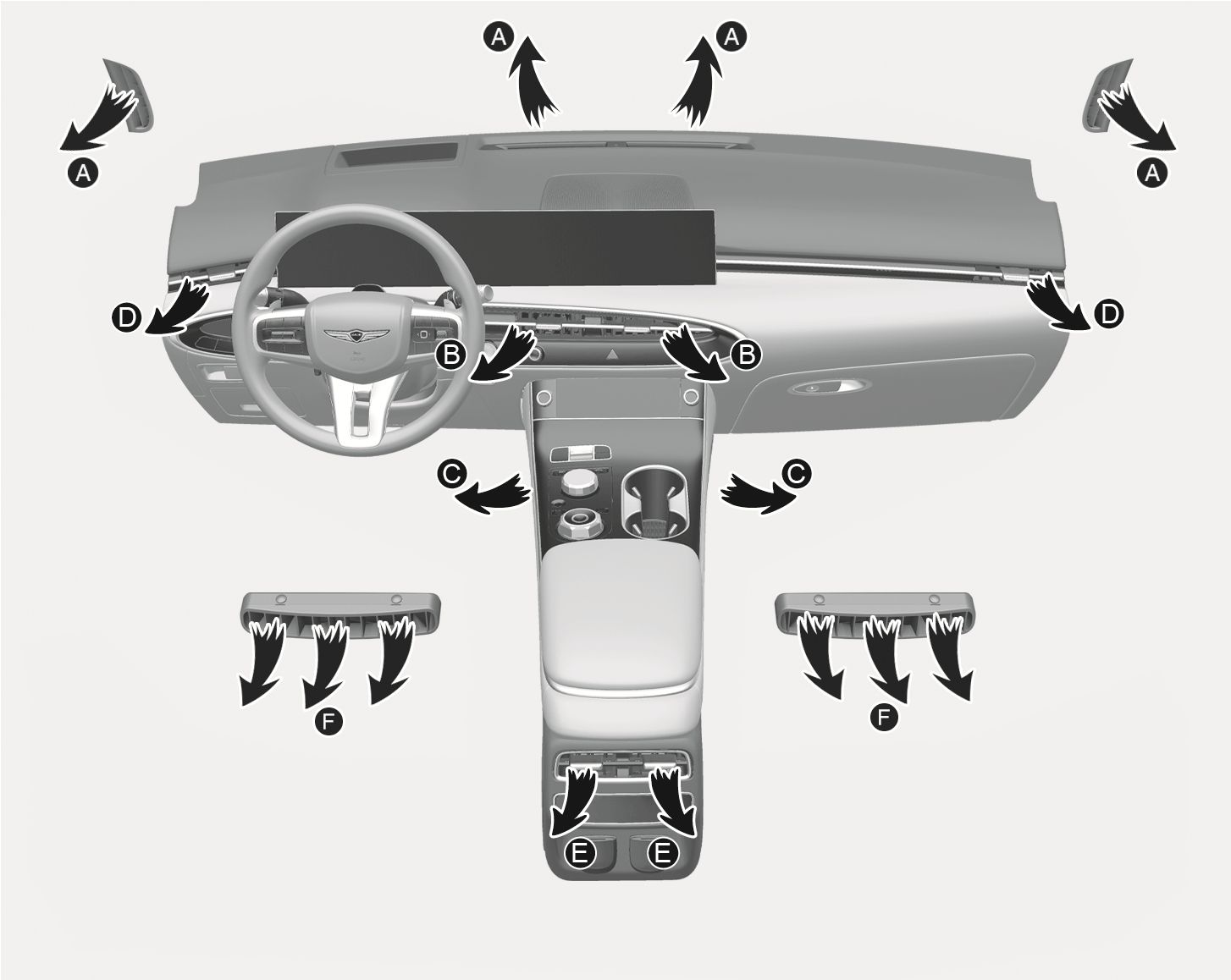
1C_AirconModeSelectionOverview
The mode selection icon or button controls the direction of the air flow through the ventilation system.
-
Front seat
Defrost (A, D)
Most of the air flow is directed to the windshield.
Face-level (B, D)
Air flow is directed toward the upper body and face. Additionally, each outlet can be controlled to direct the air discharged from the outlet.
Floor-level (A, C)
Most of the air flow is directed to the floor, with a small amount of the air being directed to the windshield and side window defrosters.
-
Rear seat
Face-level (E)
Air flow is directed toward the upper body and face.
Floor-level (F)
Most of the air flow is directed to the floor.
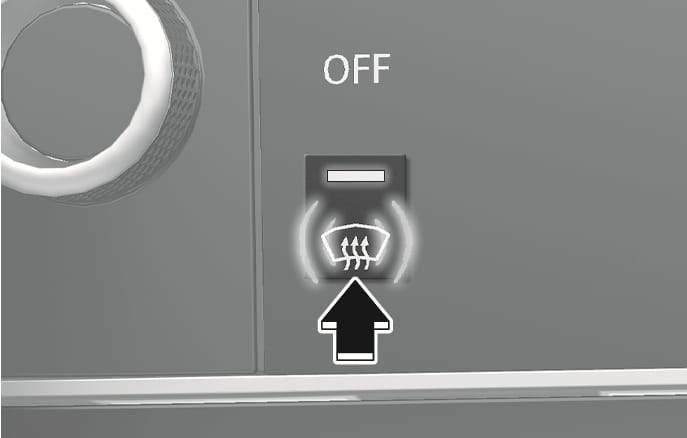
2C_AirconFrontDefrostButton
Defrost-level (A, D)
Press the button, and the indicator light on the button illuminates.
Most of the air flow is directed to the windshield with a small amount of air directed to the side window defrosters.
Press the button again, the indicator light turns off and the previous settings are selected.
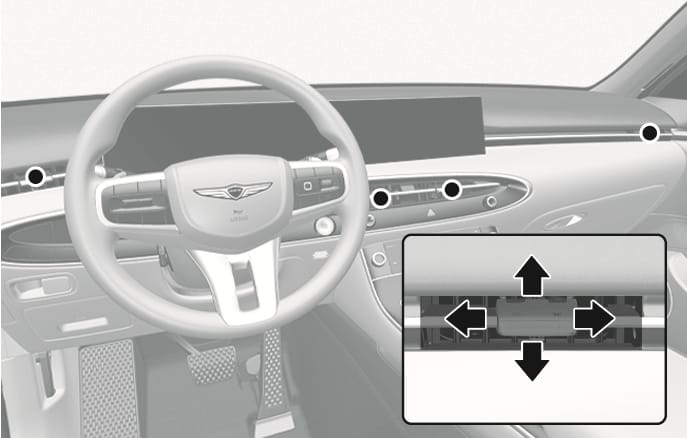
2C_FrontVent
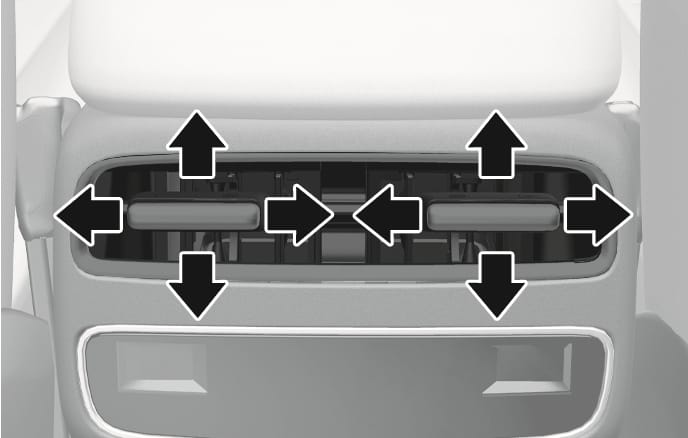
2C_RearVent
The instrument panel vent air flow can be directed up/down or left/right using the vent adjustment lever.
The air flow can be closed using the vent adjustment lever.
Move the lever to
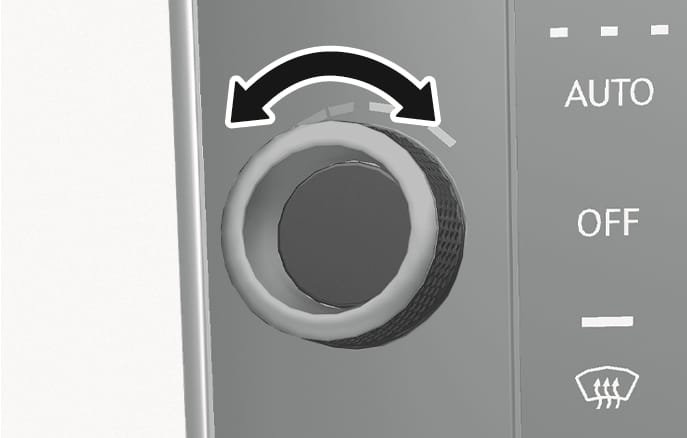
2C_AirconTempButton
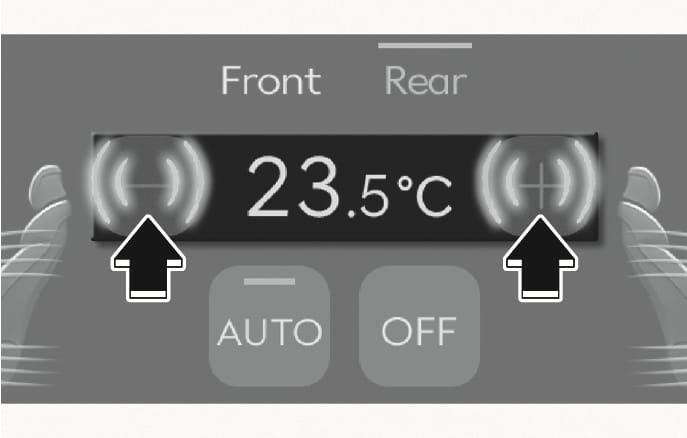
2C_AirconTempButton_1
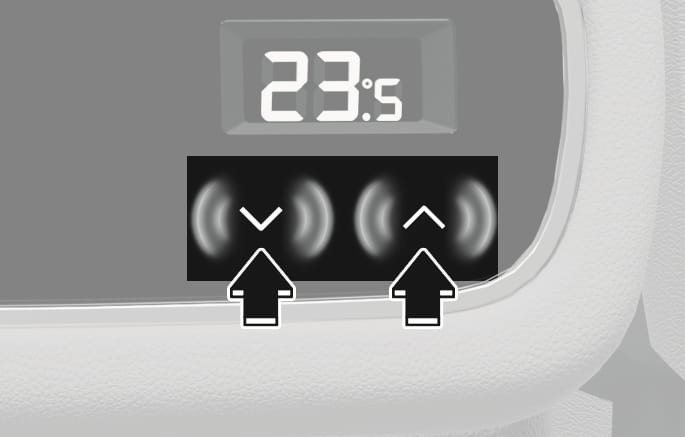
2C_2ndRowAirconTempButton
The temperature setting increases when you turn the knob to the right or press the
The temperature setting decreases when you turn the knob to the left or press the
Temperature conversion
If the battery has been discharged or disconnected, the temperature mode display is reset to Celsius.
To change the temperature unit from °C to °F or °F to °C:
-
For infotainment system, select: Setup > General > Units > Temperature Unit > °C/°F
-
For vehicles equipped with Automatic Climate Control, you can also:
Press the A/C button for 3 seconds, and then within 5 seconds press the driver's side face-level (
Æ ) position for more than 3 seconds.
Both the temperature unit on the instrument cluster and climate control information screen is changed.
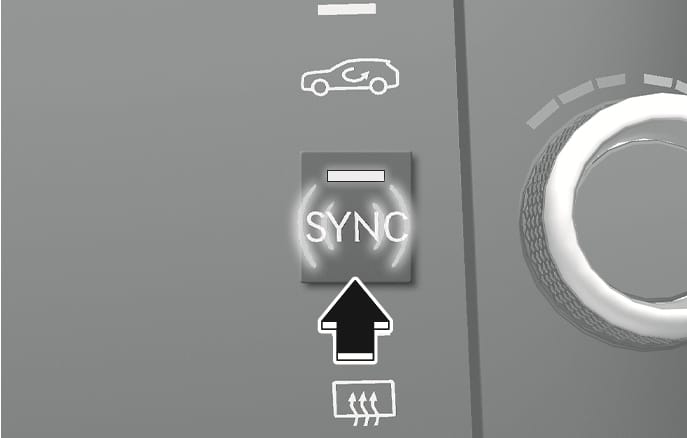
2C_AirconSYNCButton
Adjusting the temperature, air flow direction, and fan speed equally
Press the SYNC button from the front seat, (indicator light ON), to adjust the driver, front passenger, and rear passenger side temperature, air flow direction, and fan speed equally.
Adjusting the temperature, air flow direction, and fan speed individually
Press the SYNC button (indicator light OFF)) from the front seat again to adjust the driver, front passenger, and rear passenger side temperature, air flow direction, and fan speed individually.
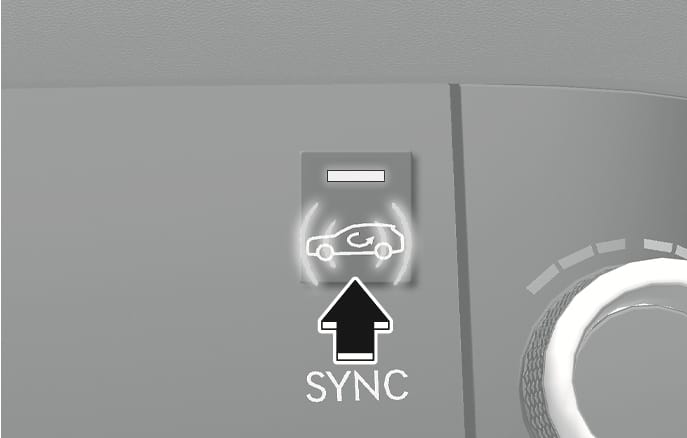
2C_RecirculationModeLamp
To select outside (fresh) air or recirculated air, press this button.
Recirculated air position
WL_RecirculationModeLamp_1
With the recirculated air selected, air from the passenger compartment is drawn through the climate control system.
Outside (fresh) air position

WL_AirconAirIntakeButton_1
With the outside (fresh) air selected, air enters the vehicle from outside and is drawn through the climate control system.
Using the system in the fresh air position is recommended.
Prolonged operation of the heater in the recirculated air position (without air conditioning selected) can cause fogging of the windshield and side windows and the air within the passenger compartment will become stale.
In addition, prolonged use of the air conditioning with the recirculated air position selected will result in excessively dry air in the passenger compartment.
To prevent serious injury or death:
-
Continued climate control system operation in the recirculated air position may allow humidity to increase inside the vehicle that could fog the windshield and the side windows and obscure visibility.
-
Do not sleep in a vehicle with the air conditioning or heating system on.
-
Continued climate use of recirculated air may cause drowsiness or sleepiness, and loss of vehicle control. Set the air intake control to the outside (fresh) air position while driving.
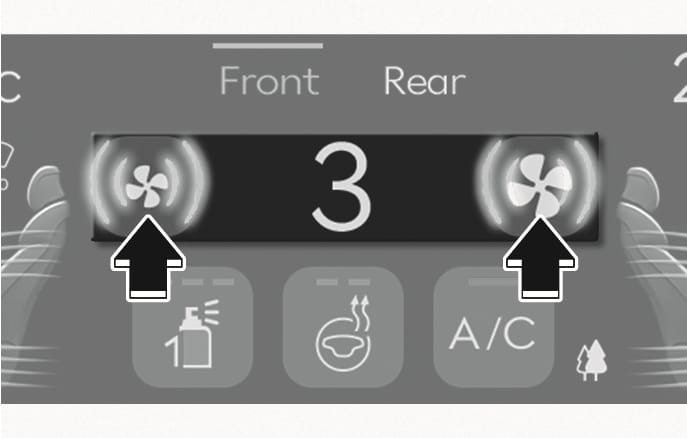
2C_AirVolumeControl
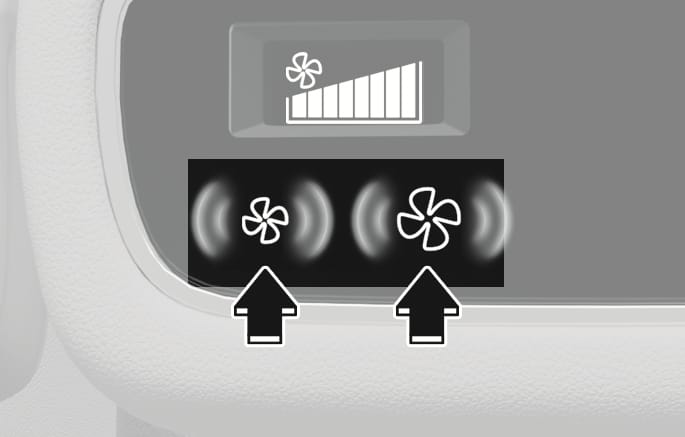
2C_2ndRowAirVolumeControl
Press the
Pressing the OFF button turns off the fan.
Operating the fan when the Engine Start/Stop button is in the OFF position may cause the battery to discharge.
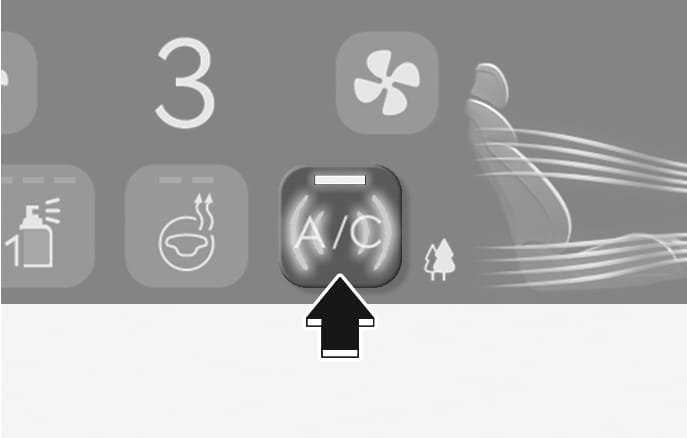
2C_AirconAirconButton
Press the A/C button to manually turn the air conditioning on (indicator light ON) and off.
2C_AirCleaningSystem
The fine dust concentration in the cabin is measured by the fine dust sensor installed in the vehicle. The cabin air status is displayed on the screen.
If necessary, the system prevents contaminated air from entering the cabin and the cabin air filter purifies the cabin air by filtering the fine dust.
Cabin air status display
The air status is displayed in four levels when the climate control system turns on.
|
Cabin air system |
Level displayed |
||||
|
Cabin Air Condition |
Good |
Normal |
Poor |
Very poor |
Operation Indicator |
|
Indicator color |
Blue |
Green |
Orange |
Red |
|
|
Concentration of fine dust (µg/m3) |
0~10 |
11~25 |
26~50 |
51~ |
|
-
The cabin air filter should be replaced per every 12 months (except Europe) or 24 months (for Europe) to maximize performance of the clean air system.
-
If the vehicle is being driven in an inner-city area with high air pollution or severe conditions such as dusty or rough roads or the indoor fine dust concentration is not presented as Good on the screen due to prolonged heavy fine dust, more frequent cabin air filter changes are required than per 12 months (except Europe) or 24 months (for Europe).
-
Driving in an inner-city area with high air pollution
-
Frequently driving on dusty or rough roads
-
Prolong air pollution such as fine dust
-
-
We recommend using genuine cabin air filter to maintain the optimal performance of the clean air system.
-
The dust concentration level measured inside the vehicle is in real-time. The measured value differs from the dust concentration in the atmosphere.
-
The displayed level may differ depending on the measurement method or location. The displayed levels are for reference only.
3 types of fragrances are provided. The fragrance type is automatically recognized when the cartridge is installed.
Diffuser setting
Fragrance and its intensity can be set as follows in the infotainment system:
-
Setup > Vehicle > Climate > Fragrance > Intensity/Scent
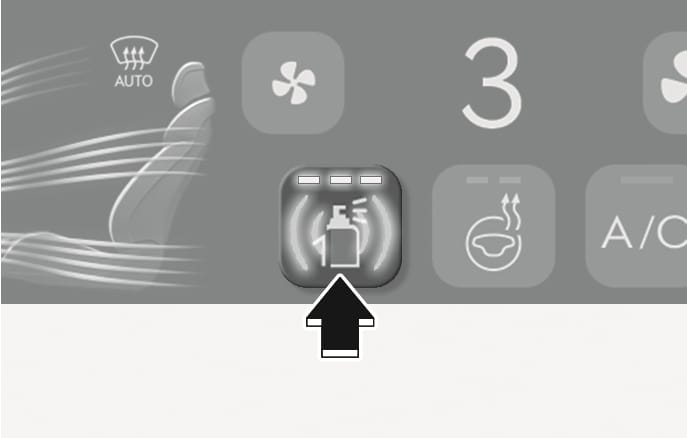
2C_FragranceSystem_1
Press
-
Intensity can be selected among Strong, Medium, and Light. Pressing the button each time changes the intensity in the order of Strong, Medium, Light and Off.
-
The fragrance cannot be selected with the button. Fragrance can only be selected from the settings menu in the infotainment system.
Replacing cartridges
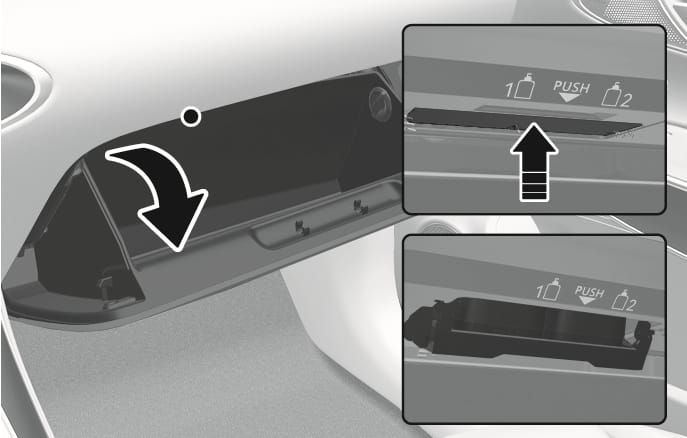
2C_ReplaceTheCartridge
-
Turn the engine off, and open the glove box.
-
Press the upper part of the diffuser tray.
-
Replace the cartridge.
-
For smooth operation of the diffuser, it is recommended to install 2 cartridges.
-
If the cartridge is empty or has been used for about one year or more replace with a new cartridge.
-
The built-in diffuser may not work if the cartridge is not installed properly. Check whether the cartridge is installed properly.
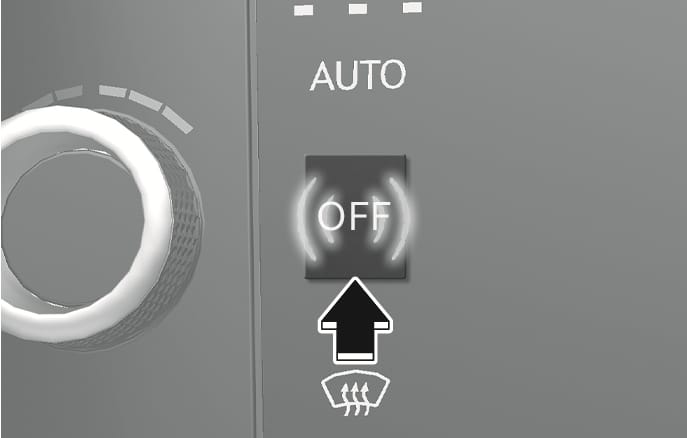
2C_AirconAutoOffButton
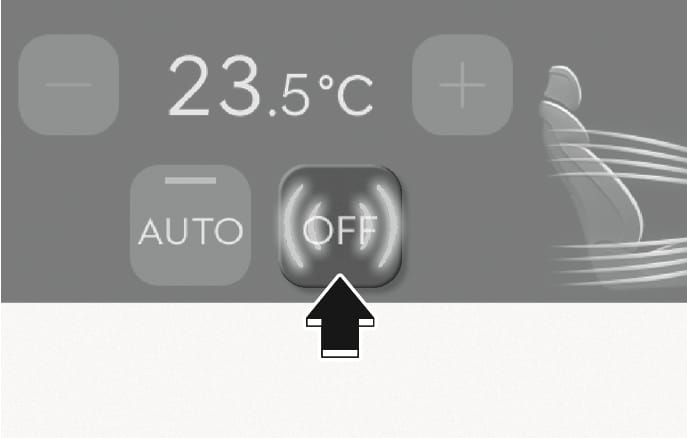
2C_AirconAutoOffButton_1
2C_AirconAutoOffButton_2
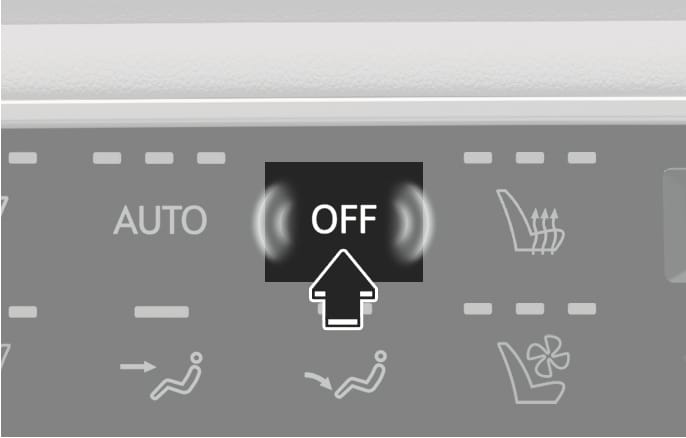
Press the OFF button to turn off the climate control system. You can still operate the mode buttons and air intake buttons as long as the Engine Start/Stop button is in the ON position.
-
If OFF is pressed from the front seat, the front and rear climate control system turns off.
-
If OFF is pressed from the rear seat, only the rear climate control system turns off.