View modes
|
View modes |
Explanation |
|
Normal view |
Show trip computer or widget on centre without background information. |
|
Driving Assist view |
Driving Assist view displays the status of the vehicle’s Driver Assistance systems. |
|
Map view |
Show map and navigation related information. |
|
Wide Map view |
Show map and navigation related information. |
The information provided may differ depending on which functions are available on your vehicle.
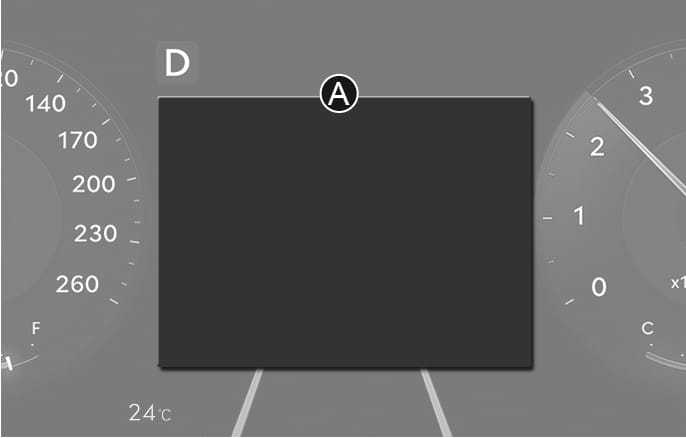
2C_DrivingAssistMode
Normal view, Driving Assist view, Map view, Wide Map view, and AR view mode are displayed in the instrument cluster [A].
Normal view is also shown in the widget mode.
In the Normal view, using the
Current trip
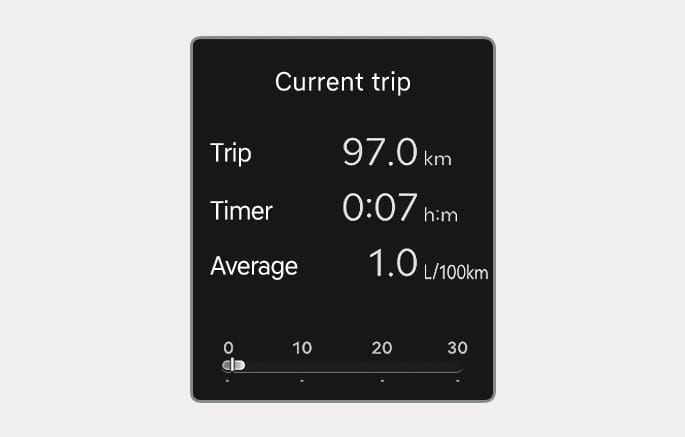
2C_DrivingInfo
Trip distance, total driving time, average fuel economy, and instant fuel economy are displayed.
The information is combined for each ignition cycle.
Current trip is initialized when the vehicle is turned off and the driver's door is open, or when the vehicle is turned on 3 minutes after the vehicle is turned off.
To reset manually, press the
Since refuelling
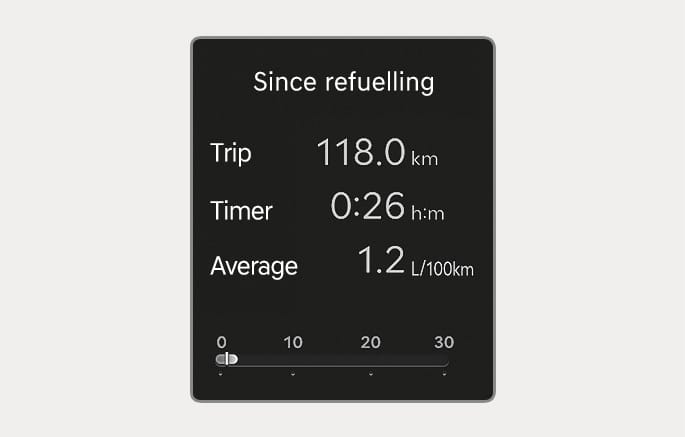
2C_InfoAfterRefuel
After the vehicle has been refueled, the trip distance, total driving time, average fuel economy, and instant fuel economy are displayed.
To reset manually, press the
Since last reset
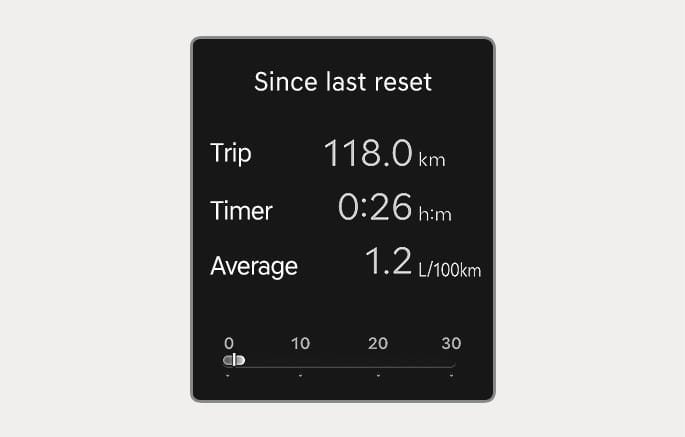
2C_AccumulatedInfo
Accumulated trip distance, driving time, average fuel economy, and instant fuel economy are displayed.
The information is accumulated starting from the last reset.
To reset manually, press the
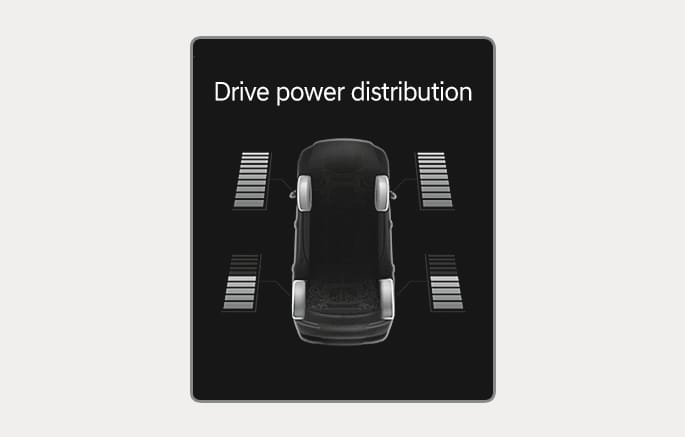
Drive power distribution
2C_DrivingDistributionInfo
Displays information related to AWD driving force distribution.
For more information, refer to the "Drive Mode Integrated Control System (AWD)" section in chapter 6.
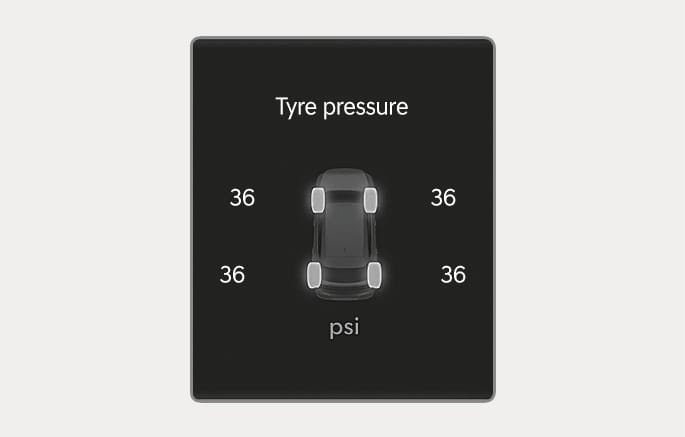
Tyre pressure
2C_TirePressureInfo
The tyre pressure of each tyre is displayed.
For more information, refer to the "Tyre Pressure Monitoring System (TPMS)" section in chapter 8.
2C_DrivingAssistMode_1
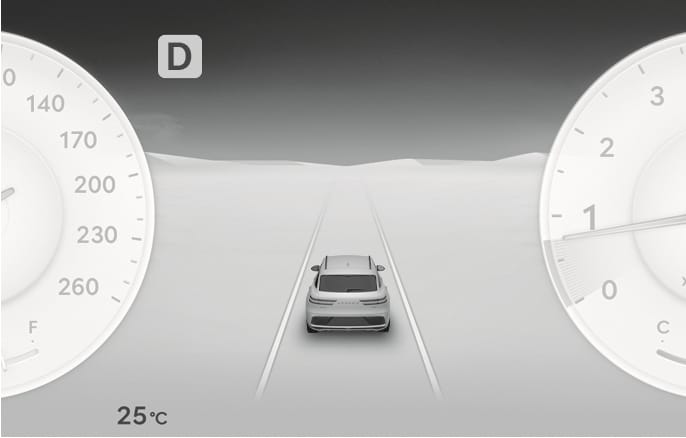
Displays the state of Smart Cruise Control, Lane Following Assist, Lane Keeping Assist, Highway Driving Assist, etc., when Driving Assist view is selected.
For more information, refer to each system information section in chapter 7.