Trip computer
The trip computer is a microcomputer-controlled driver information system that displays information related to driving.
Some driving information stored in the trip computer (for example Average Vehicle Speed) resets if the battery is disconnected.
|
Since Refueling |

|
|
|

|
|
|
Accumulated Info |
|
|
|
|
|
|
|
Drive Info |
|
|
|
|
|
|
|
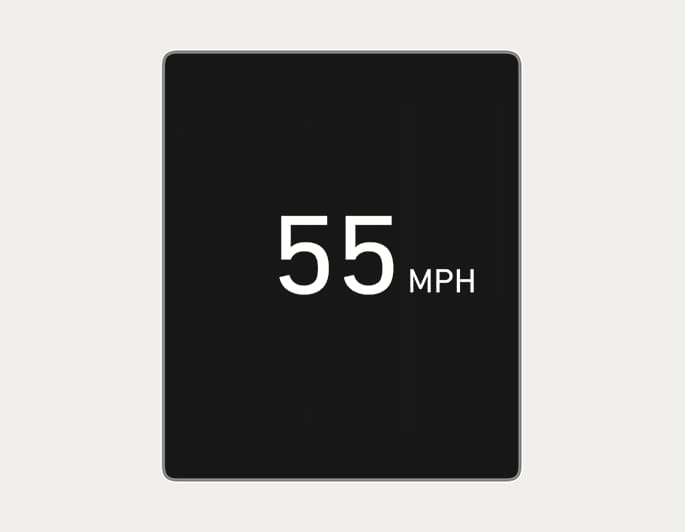
Digital Speedometer |
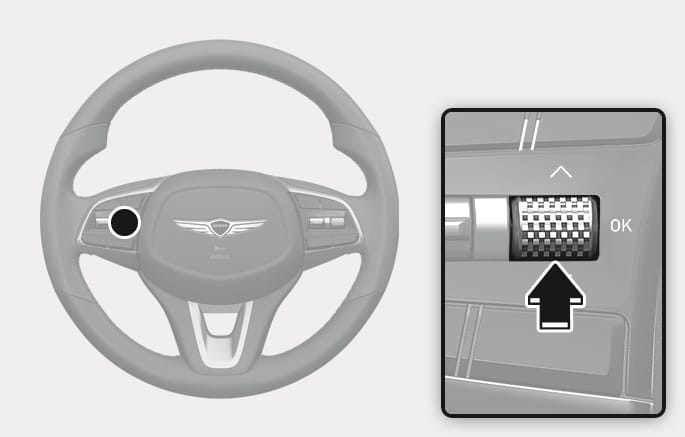
OIK053005
To change the trip mode, toggle the " ,
,  " switch on the steering wheel.
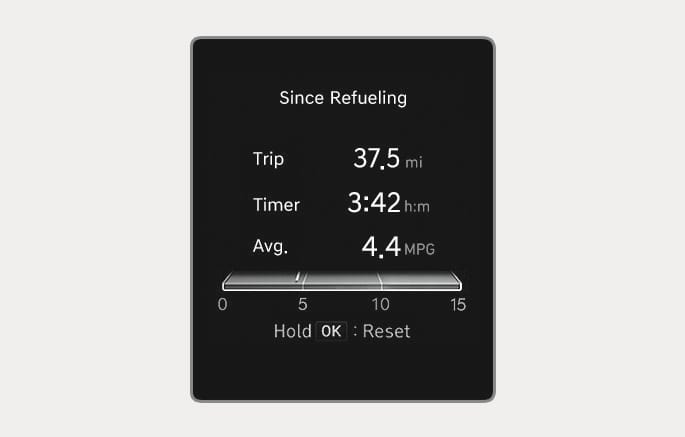
OIK043048N
Trip distance, total driving time, average fuel economy, instant fuel economy after the vehicle has been refueled appear.
To reset manually, press the OK switch on the steering wheel for more than 1 second when "Since Refueling" appears.
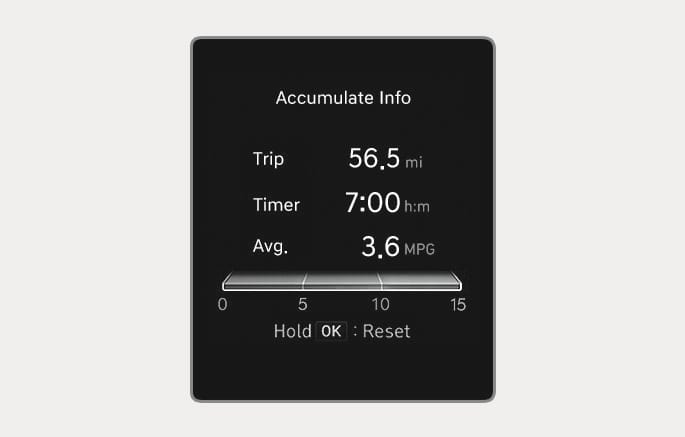
OIK043049N
Accumulated trip distance, total driving time, average fuel economy, instant fuel economy appear.
The information is accumulated starting from the last reset.
To reset manually, press the OK switch on the steering wheel for more than 1 second when "Accumulate Info" appears.
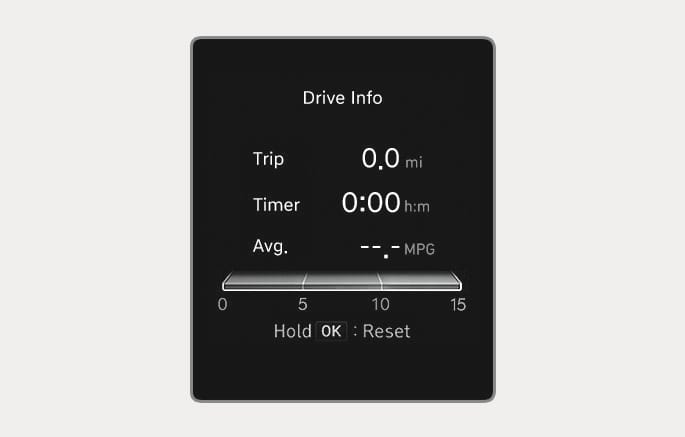
OIK043047N
Trip distance, total driving time, average fuel economy, instant fuel economy appear.
The information is combined for each ignition cycle. However, when the engine has been OFF for 3 minutes or longer the Drive Info screen will reset.
To reset manually, press the OK switch on the steering wheel for more than 1 second when "Drive Info" appears.
OIK047151N
Digital speedometer display shows the speed of the vehicle.